By format
Upscale a PNG without softening the edges
PNG is the format people reach for when edges matter — logos, screenshots, line art, anything with transparency. Enlarging one badly turns those edges into gradients. Here is how to enlarge a PNG up to 8× and keep them.
3 images on signup, watermarked. Plans from ₹1,499/month · GST inclusive.
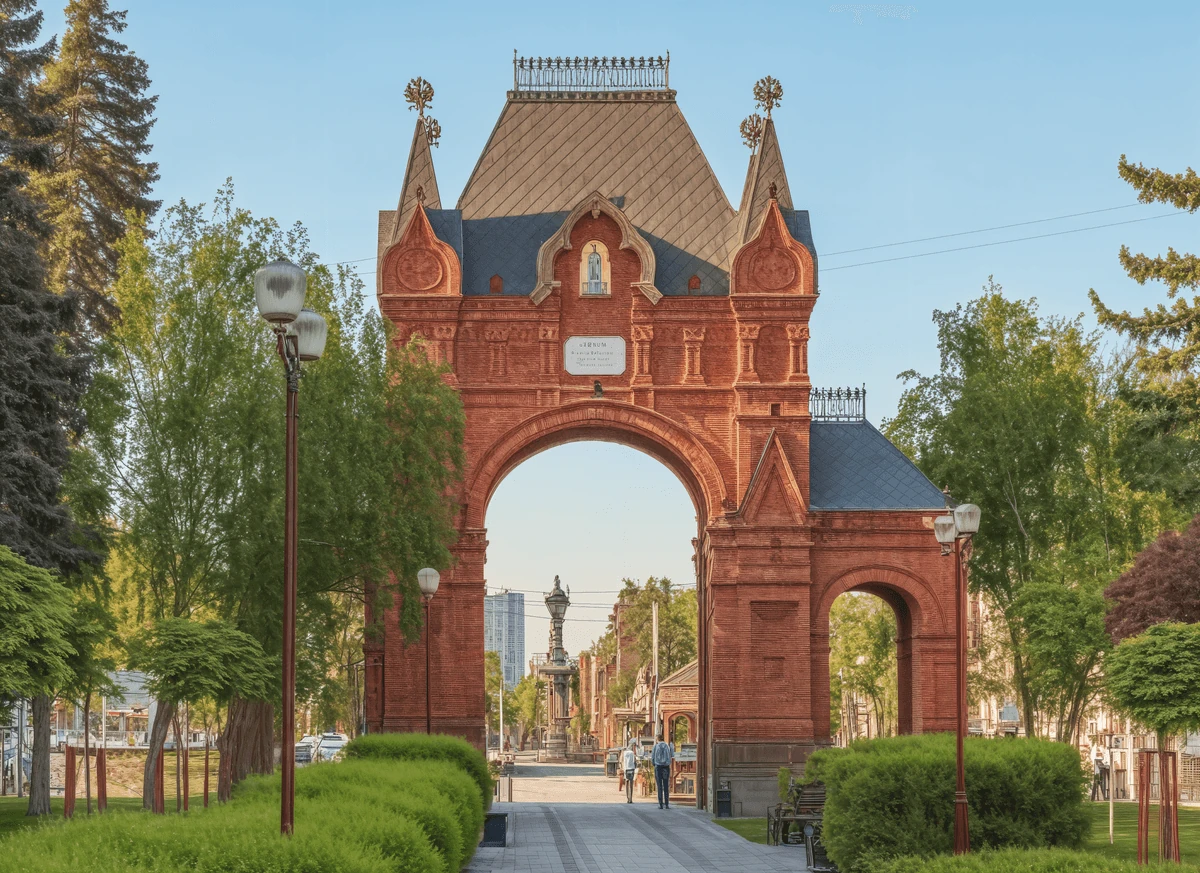
Recommended setup
Start with Super Scaler 8X.
Maximum resolution and detail, up to 8×.
- Output size
- 8×
- Detail enhancement
- Pure Match
Best for: Product photos · portraits · print-size enlargements
Why PNGs fail differently
A photograph forgives a soft enlargement: slight blur reads as depth of field and nobody looks twice. PNG is the format you chose precisely because the image has no depth of field to hide behind — a logo edge, a UI screenshot, a flat block of brand colour, a line drawing.
Interpolation is fatal to all of those. When a generic upscaler doubles a 2-pixel black line on white, it produces a 4-pixel line with grey shoulders, because averaging is the only thing it knows how to do. Repeat that at 8× and the line has a soft halo on both sides that no amount of sharpening puts back, since the sharpening has nothing to work from.
The second failure is colour. Flat regions pick up gradients where the resampler smeared one region into the next, which is invisible on screen and obvious the moment it hits paper.
How to do it here
- Upload the PNG. Super Scaler 8X takes up to 20 MB, Creative Upscale up to 50 MB. The browser uploads straight to storage, so a large file is not a problem.
- Choose Super Scaler 8X at 2×, 4× or 8×. This is the reconstruction mode. Creative Upscale reinvents detail, which suits artwork and ruins a logo.
- Leave Detail enhancement on Pure Match. It is the neutral setting and the right one for flat colour and hard edges.
- Download. A full-resolution PNG at 300 DPI, alpha channel intact.
Which mode for which kind of PNG
- Logos, icons, UI screenshots, line art — Super Scaler 8X. Faithful reconstruction is the whole job.
- Illustration and painted artwork saved as PNG — Creative Upscale at 4×, creativity around 50%. Here the invention is the point; it extends brushwork rather than blurring it.
- A screenshot of small text: Super Scaler 8X, Detail enhancement on Pure Match, and check the smallest glyph at 100% before you commit. Type is the least forgiving thing in any frame.
Pro tips
- Never enlarge a PNG that was converted from a JPEG. The JPEG artefacts are baked in, and the upscaler will faithfully reconstruct them at four times the size. Go back to the original.
- Enlarge before you add a drop shadow or a stroke. Effects applied at 1× and scaled with the image get the same soft shoulders the pixels do.
- For print, 300 DPI is a size, not a setting. A 1000 px logo is 3.3 inches at 300 DPI. Work out the inches you need first, then the scale.
FAQ
Questions, answered.
Does transparency survive?
Yes. Output is PNG, so an alpha channel comes back intact rather than being flattened onto white.
How big a PNG can I upload?
50 MB for Creative Upscale, 20 MB for Super Scaler 8X and Unblur & Restore. The tighter cap on the heavier models is about GPU time, which scales with the pixels going in.
Will it stay lossless?
The output is PNG, so nothing is re-compressed on the way out. The enlargement itself is reconstruction, not lossless magnification — no upscaler recovers detail that was never captured.
What does a run cost?
Super Scaler 8X is 3 credits at any scale. Creative Upscale is 1.
See it on your own image.
3 images on signup, watermarked. Plans from ₹1,499/month · GST inclusive.