Real estate & architecture
Sharpen and enlarge real-estate photos
Listings win on image quality. Fix soft interiors, low-light noise and small portal files with Unblur & Restore, or enlarge hero shots with Super Scaler 8X.
3 images on signup, watermarked. Plans from ₹1,499/month · GST inclusive.
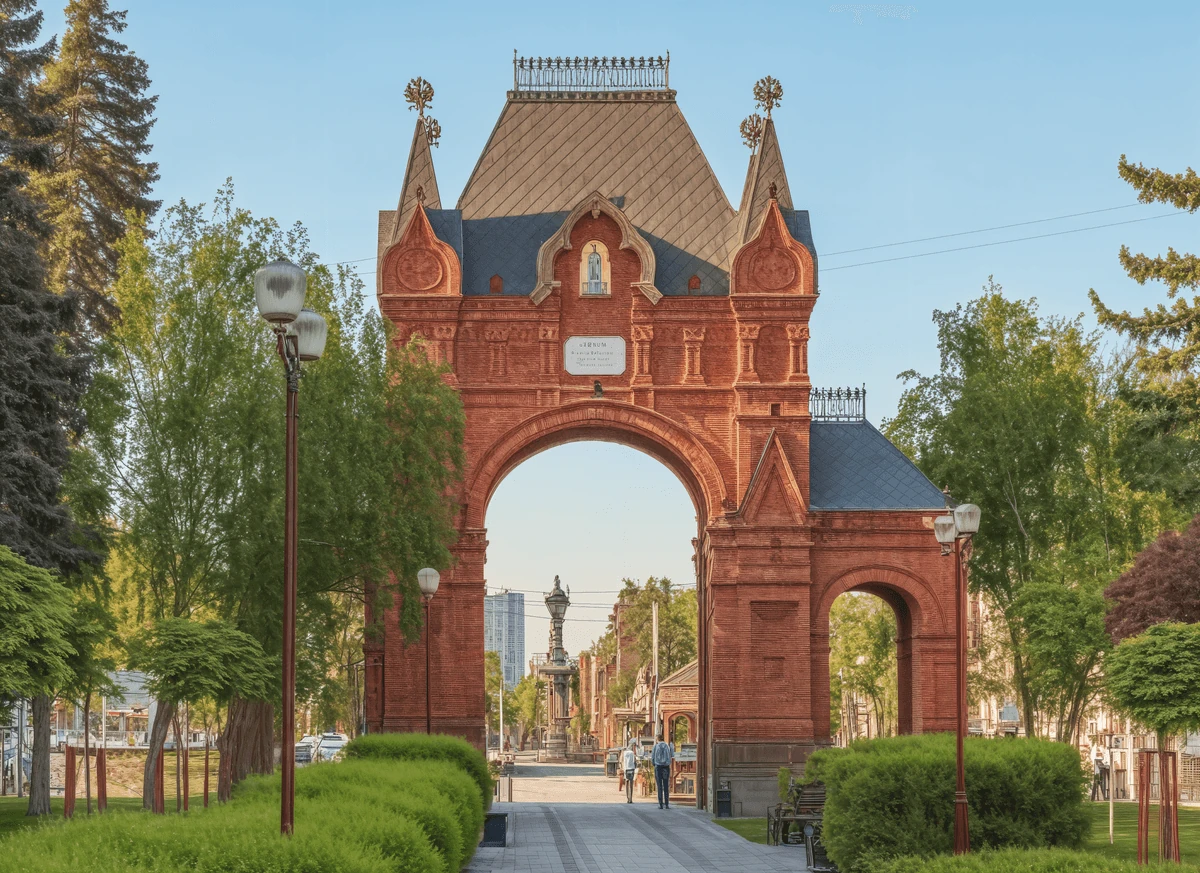
Recommended setup
Start with Super Scaler 8X.
Maximum resolution and detail, up to 8×.
- Output size
- 4×
- Detail enhancement
- Pure Match
Best for: Product photos · portraits · print-size enlargements
Two different problems that look the same
A listing photo that disappoints is either damaged or small, and the fix is different for each. Treating them as one problem is why a single enhance button rarely helps.
Damaged is the interior shot. Available light indoors is dim, so the camera opened up, raised ISO or dropped shutter speed, and you got some combination of noise, motion softness and a shallow plane of focus. There is grain sitting on top of the picture that was never in the room.
Small is the archive shot. The photograph is fine; you only have the version a portal resized to 1024px in 2019, and the brochure needs it at eight inches wide.
Enlarging a damaged photo enlarges the damage. Order matters.
Step-by-step workflow
- Triage the set. Open every image at 100%. Anything with visible grain, softness or motion blur goes in the damaged pile. Anything sharp but small goes in the other.
- Clean the damaged ones with Unblur & Restore. Its restoration pass is built for noise and blur, which is precisely what a hand-held low-light interior has. Super Scaler 8X does not attempt this — it reconstructs at size, it does not repair.
- Enlarge the heroes with Super Scaler 8X at 4×. The exterior, the main reception room and the view are the images that get opened full-screen and printed. 4× is usually enough for a brochure; 8× is there for a double-page spread.
- Leave Detail enhancement on Pure Match. Architecture is unforgiving of invented texture. Brick, render and stonework all have real, regular structure, and the Prism Shift setting invents a slightly wrong version of it.
Where the line is
Worth being clear about, because the industry is regulated in most markets and portals have their own rules.
Sharpening a soft photograph and enlarging a small one change how well the image represents the property — they do not change what the property is. That is ordinary presentation, the same as choosing to shoot on a bright day.
What these tools will not do, and what you should not reach for elsewhere: removing a pylon from a view, erasing damp, adding a sky that was not there, or changing the apparent size of a room. Reconstruction on Pure Match stays tied to what the camera recorded. Switching to Prism Shift to invent surface texture on a wall is drifting toward describing a building that does not exist.
Pro tips
- Shoot the hero properly, upscale the rest. Fifteen minutes with a tripod on the main exterior beats any amount of reconstruction on a hand-held frame.
- Restore before you enlarge, never after. Noise that survives into a 4× pass becomes four times as large and permanently structural.
- Watch window frames and mortar lines. They are the straight, regular edges that reveal a bad enlargement first.
- Budget the credits. Super Scaler runs at 3 credits, and Unblur at 2× is also 3 — so a damaged hero that needs both passes is 6 credits. A twelve-image listing plans differently from a single flat.
FAQ
Questions, answered.
Which tool for dark interiors?
Unblur & Restore. Its restoration pass cleans low-light noise while it sharpens, which Super Scaler 8X does not attempt.
Can I batch a whole listing?
Run images one at a time today; higher plans raise the monthly quota.
Is enhancing a listing photo allowed?
Sharpening and enlarging are presentation, not misrepresentation. Removing or adding features is a different thing, and these tools do not do it.
What about old archived listings?
Portal-resized copies are usually 800-1200px. Unblur & Restore first, then Super Scaler 8X at 4x, gets them back to brochure size.
See it on your own image.
3 images on signup, watermarked. Plans from ₹1,499/month · GST inclusive.