Textile & surface design
Upscale textile prints to production resolution
Turn a low-res print design into a sharp, production-ready file. Creative Upscale rebuilds fine detail — weave texture, linework, florals — instead of stretching pixels until the repeat goes soft.
3 images on signup, watermarked. Plans from ₹1,499/month · GST inclusive.
Widely used by thousands of designers on textile-designer.ai.
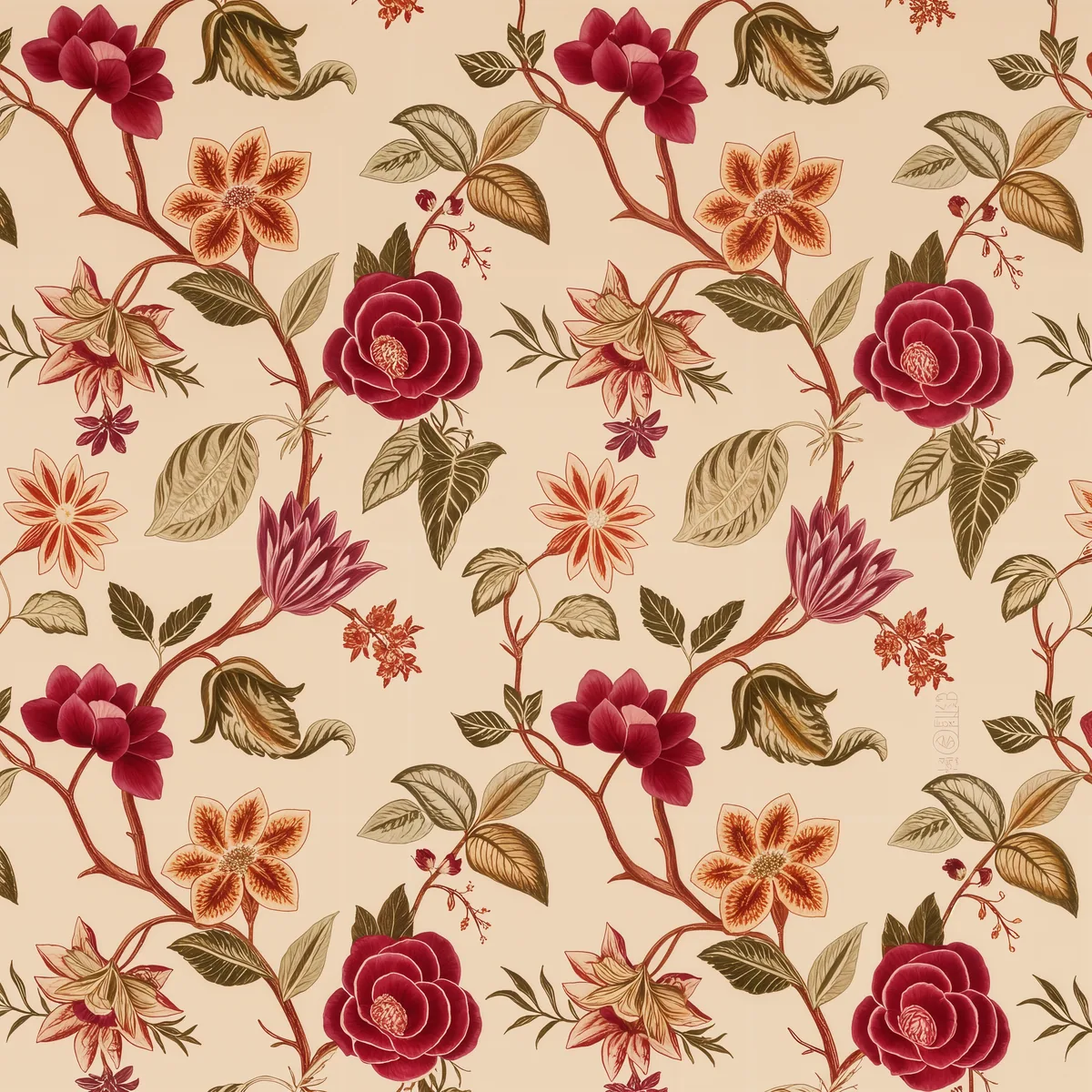
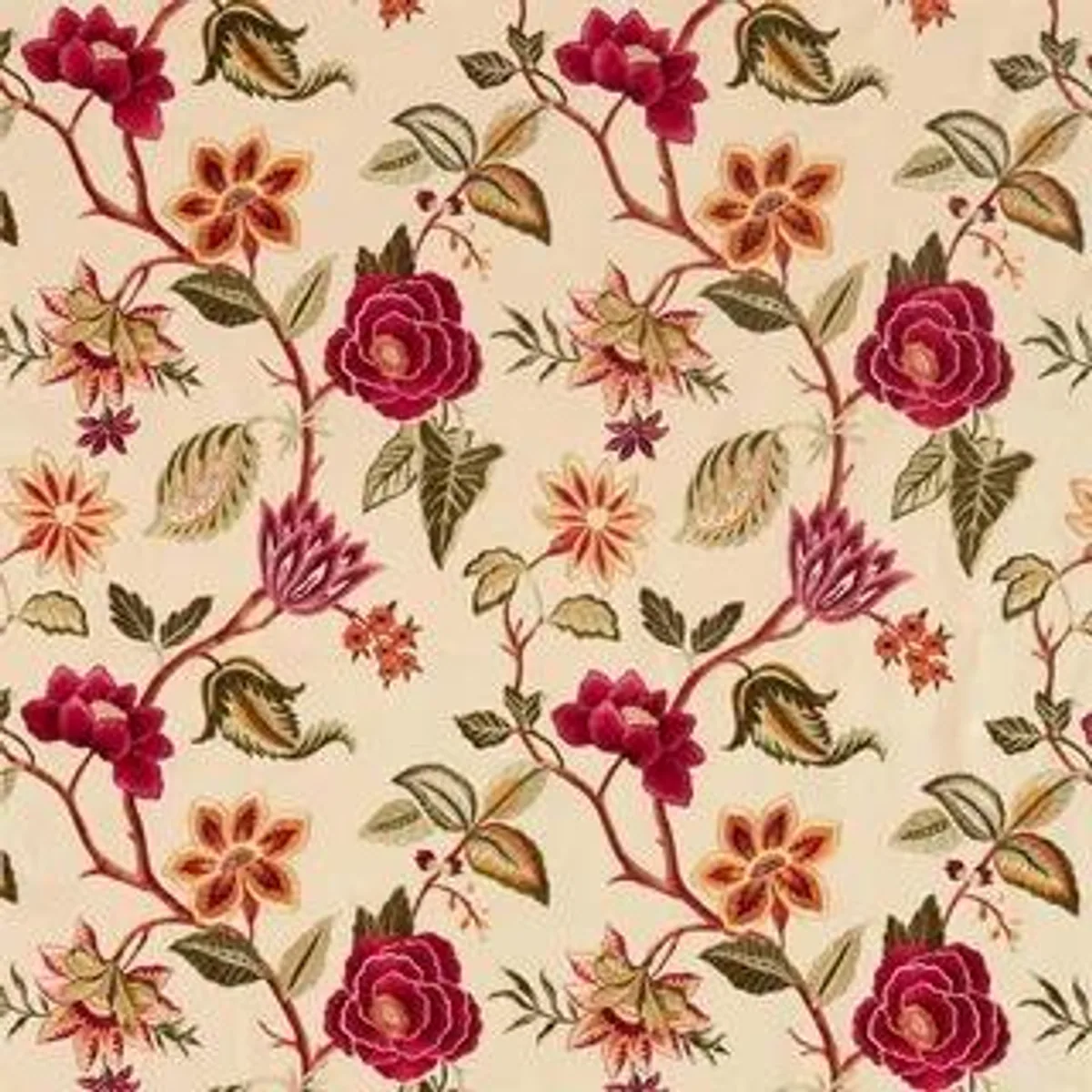
Recommended setup
Start with Creative Upscale.
Reimagines fine detail as it enlarges - perfect for patterns, prints & artwork.
- Scale
- 4×
- Creativity
- 35%
- Resemblance
- 60-80
Best for: Patterns · textile prints · illustration · AI art
The problem with generic upscalers for print
A print design fails differently from a photograph. When a general-purpose upscaler doubles a photo, a slightly soft edge reads as depth of field and nobody notices. Do the same to a floral repeat and the outline of every petal turns into a gradient, the weave texture flattens into noise, and the fine line that separated two colourways disappears into a third colour that was never in the palette.
The second failure is dimensional. Screen files arrive at 72 DPI because that is what a screen needs. A 1200px design that looked crisp in a mood board is four inches wide at production resolution — and no amount of resampling in Photoshop adds detail that was never captured. Scaling up in a layout tool stretches the pixels you already have; it does not invent the thread.
Step-by-step workflow
- Upload a single tile. Give the upscaler one clean repeat unit, not a tiled sheet. A tiled sheet spends most of its pixel budget on duplicated area, and any artefact at the seam is multiplied across the whole design.
- Choose Creative Upscale and set scale to 4×. This is the mode that reconstructs detail rather than interpolating it. Creativity stays at the default 35%.
- Raise resemblance to 60-80. This is the dial that matters for textiles. Resemblance is what holds the motif to the original — at 60 and above, the model rebuilds the weave without redrawing the flower.
- Download and re-lay the repeat. The result comes back as a full-resolution PNG tagged at 300 DPI. Rebuild the repeat from the enlarged tile in your CAD or layout software.
Reading the dials
Creativity and resemblance pull against each other, and textile work sits at a different point on that line than illustration does.
- Creativity decides how much new detail the model invents. Below 35% it behaves like a sharpener. Above 50% it starts adding texture that suits AI art and ruins a colourway match.
- Resemblance decides how hard the result is pulled back toward the source. For a design that has to match an approved strike-off, push it to 80. For a hand-drawn motif where a little redrawing is acceptable, 60 is enough.
If the enlarged file drifts from the approved colour separation, lower creativity before you touch resemblance — creativity is what introduces new tones.
Pro tips
- Enlarge before you recolour, not after. Recolouring first bakes your palette into a low-res file, and the upscaler then has to reconstruct edges between colours it cannot cleanly separate.
- Scan at the highest optical resolution you have, then upscale. A 4× pass over a good 600 DPI scan beats an 8× pass over a phone photo of the same swatch every time. The model reconstructs from what is there.
- Watch the smallest element, not the whole tile. Zoom to the thinnest line in the design at 100% before you approve the file. If that line survived, everything heavier did too.
- One tile at a time. Each run costs one credit at Creative Upscale's standard band, so a colourway set of six is six credits — worth planning into a collection deadline.
FAQ
Questions, answered.
Which tool should I use?
Creative Upscale. It reinvents fine detail as it enlarges, which suits prints and patterns; use the resemblance dial to stay close to the original.
How large can I go?
Up to 4x per pass with Creative Upscale, or up to 8x with Super Scaler 8X.
Will the repeat still tile?
Creative Upscale works on the image you give it, so enlarge a single tile and re-lay the repeat afterwards rather than upscaling an already-tiled sheet.
What resolution do I get?
Output is written at 300 DPI, which is what mills and digital print bureaus ask for. A 1000px tile at 4x lands at 4000px, roughly 13 inches at 300 DPI.
See it on your own image.
3 images on signup, watermarked. Plans from ₹1,499/month · GST inclusive.