E-commerce & catalogues
Upscale product photos for zoom, print & marketplaces
Meet marketplace resolution rules and survive the zoom view. Super Scaler 8X enlarges product shots up to 8× while keeping edges, seams and label text crisp.
3 images on signup, watermarked. Plans from ₹1,499/month · GST inclusive.
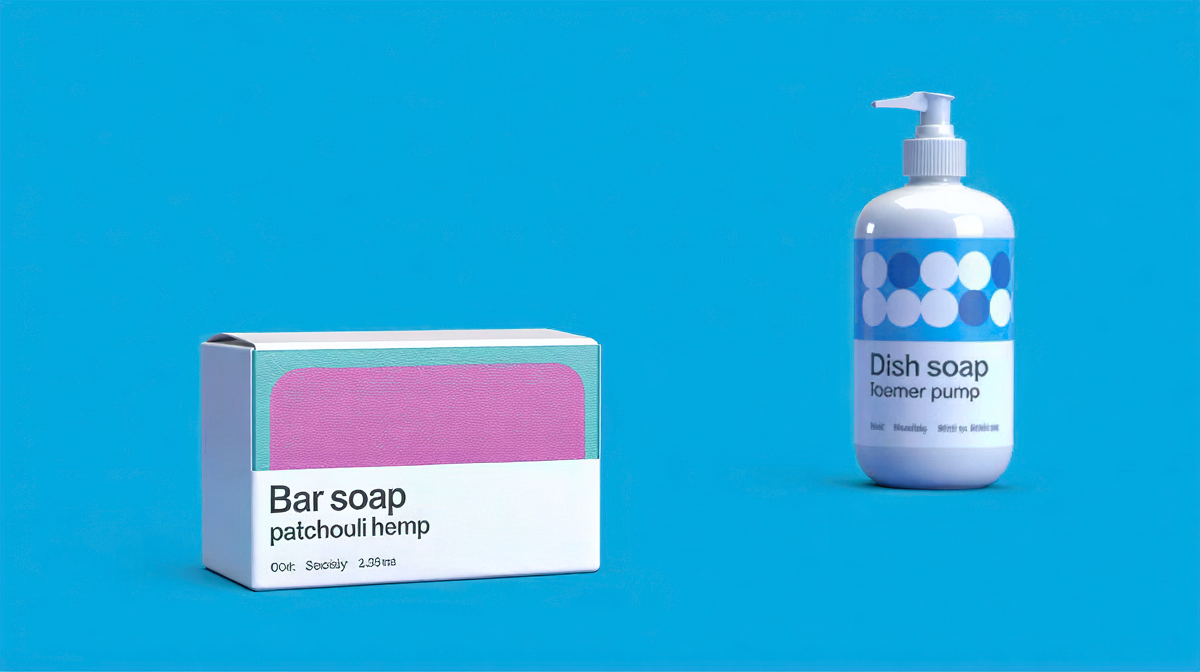
Recommended setup
Start with Super Scaler 8X.
Maximum resolution and detail, up to 8×.
- Output size
- 8×
- Detail enhancement
- Pure Match
Best for: Product photos · portraits · print-size enlargements
The problem with generic upscalers for product photography
Marketplace listings fail on resolution in two separate places, and they fail quietly. The upload check is the loud one: a file below the minimum long edge is rejected outright, and you find out at the point of listing. The zoom view is the quiet one. Most marketplaces enable a magnifier above a threshold, and once a shopper triggers it they are looking at your photograph at a magnification it was never shot for. Compression artefacts around a logo, a soft seam, a slightly out-of-focus label — all invisible in the thumbnail, all obvious at 400%.
Generic upscalers make the second problem worse. They optimise for a pleasant overall impression, which means smoothing. Smoothing is exactly wrong for a product shot, where the thing being judged is the crispness of an edge and the legibility of six-point type on a box.
Step-by-step workflow
- Start from the best original you have. Not the marketplace-resized copy, not the version that has been through a chat app. Each of those has already thrown away detail the model would otherwise reconstruct.
- Choose Super Scaler 8X. This is the maximum-resolution mode. Where Creative Upscale reinvents detail, Super Scaler reconstructs it faithfully — which is what you want when the subject is a real object a customer will receive.
- Set output size to 8× and leave Detail enhancement on Pure Match. Pure Match is the neutral setting. It is deliberately the default because it is right for most product work.
- Download the PNG. Output is written at 300 DPI, so the same file serves the listing and the catalogue page without a second pass.
Why Detail enhancement stays on Pure Match
Detail enhancement is the one texture dial on this mode, and the instinct is to push it to Prism Shift. Resist that for packaging.
On Prism Shift the model begins adding micro-texture: grain on a matte surface, weave in a fabric, fine speckle in a plastic. On artwork that reads as richness. On a product it reads as a surface the customer will not find in the box, and on regulated packaging it can alter the appearance of printed type. Pure Match keeps the reconstruction tied to what the camera actually recorded.
The exception is genuinely soft input. If the source was shot slightly out of focus, Prism Shift recovers apparent sharpness that Pure Match leaves on the table, but check the label text before you ship it.
Pro tips
- Upscale before you cut out the background. Masking at 8× resolution gives you a far cleaner edge than masking at 1× and enlarging the mask with it.
- Do the hero, not the whole catalogue. Runs are one image at a time, at 3 credits each. The zoom view only exists on images the shopper opens, so the hero and the two detail shots carry almost all of the benefit.
- Check the smallest legal type first. Ingredient lists and certification marks are the least forgiving thing in the frame. If those survived the pass, the rest did.
- Keep the original. Marketplaces occasionally re-derive their own sizes, and you want the true source available rather than an upscale of an upscale.
FAQ
Questions, answered.
Will text on packaging stay readable?
Yes. Super Scaler 8X is tuned for edges and lettering, and keeping Detail enhancement on Pure Match gives the most faithful label text.
What input size works best?
Anything from a phone photo up. Larger, cleaner inputs give the best 8x results.
Does it meet marketplace minimums?
An 8x pass takes a 1000px shot to 8000px on the long edge, comfortably past the 1600-3000px minimums Amazon, Flipkart and Shopify ask for.
How many credits does a run cost?
Super Scaler 8X runs in the Large band at 3 credits per image, at any scale.
See it on your own image.
3 images on signup, watermarked. Plans from ₹1,499/month · GST inclusive.