Upscale to
Upscale an image to 8K
8K UHD is 7680 × 4320 — four times the pixels of 4K. A single 8× pass reaches it from a 960 px source, but at that ratio seven of every eight pixels are reconstructed, so the source matters more than the setting.
3 images on signup, watermarked. Plans from ₹1,499/month · GST inclusive.
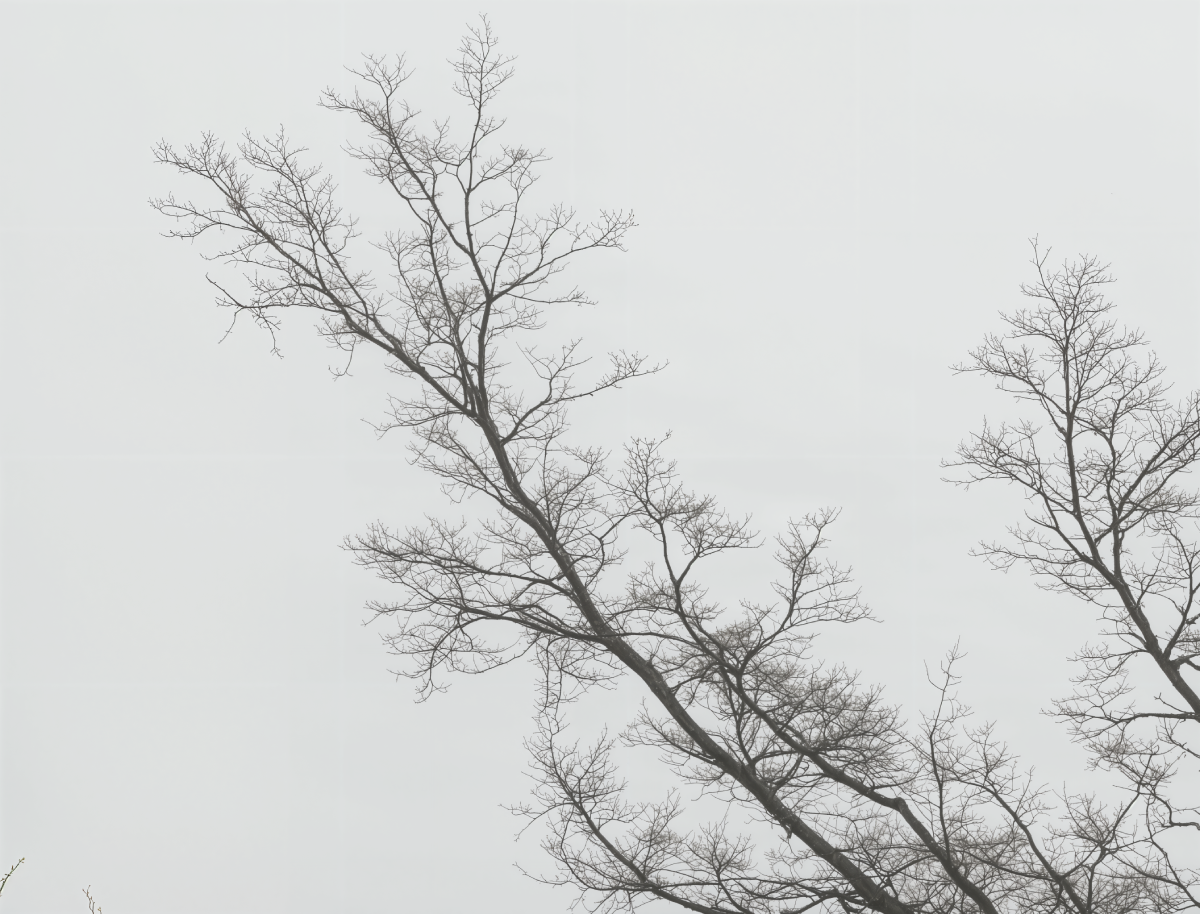
Recommended setup
Start with Super Scaler 8X.
Maximum resolution and detail, up to 8×.
- Output size
- 8×
- Detail enhancement
- Pure Match
Best for: Product photos · portraits · print-size enlargements
What 8× is really doing
8K UHD is 7680 × 4320. That is four times the pixels of 4K, not twice — the factor applies to each axis, so it squares.
Which means: at an 8× pass, one pixel from your source becomes sixty-four. One is derived from what the camera recorded; the other sixty-three are the model's best guess at what would have been there. That is not a criticism, it is what reconstruction is, and on the right material it works remarkably well. But it sets a hard rule — the source has to be worth magnifying eight times, because everything in it will be.
Before spending the run, open the source at 100% and look at the sharpest edge in the frame. If that edge is already soft, 8× will give you a very large soft edge.
The arithmetic
| Your long edge | Factor needed | Pass to use |
|---|---|---|
| 3840 px | 2.0× | 2× |
| 2560 px | 3.0× | 4× |
| 1920 px | 4.0× | 4× |
| 1280 px | 6.0× | 8× |
| 960 px | 8.0× | 8× |
| Under 960 px | more than 8× | Not reachable in one pass |
Below 960 px, 8K is not available in a single pass, and chaining two passes to fake it is worse than accepting a smaller result — the second pass sharpens the first pass's inventions.
When 8K is worth it, and when it is not
Worth it: wall murals and backdrops, large-format print, exhibition pieces, and any file you expect to crop into later — extra resolution is optionality. Also AI art destined for canvas, where the generator capped out at one or two megapixels and the wall is two metres wide.
Not worth it: anything for a screen. No consumer display resolves 8K at normal viewing distance, and the file is four times the weight for no visible gain. Also product photography for a marketplace, where 4K already clears every platform minimum.
The tell is viewing distance. A mural read from three metres needs about 100 DPI, so 7680 px covers six feet. A print held in the hand needs 300 DPI, where the same file is 25 inches — still large, but the case for 8K over 4K gets thin fast.
Pro tips
- Fix the source first. Noise, compression damage and motion blur all get eight times bigger. Unblur & Restore first, enlarge second.
- The price is the same at every scale. Super Scaler 8X is 3 credits at 2×, 4× and 8×, so choose on the result rather than the cost.
- Check a flat area, not just an edge. Skies and plain backdrops are where invented texture shows up first at high ratios.
- Keep the original. The 8K file is a derivative; the source is the record, and you may want a different pass from it later.
FAQ
Questions, answered.
What is 8K exactly?
8K UHD is 7680x4320 — four times the pixel count of 4K UHD, not twice. It is measured on the long edge, so a portrait image needs 7680 px on its height.
What scale do I need?
Divide 7680 by your current long edge: 3840 px needs 2x, 1920 px needs 4x, 960 px needs 8x. Below 960 px a single pass cannot reach 8K.
Is 8x always better than 4x?
No. 8x from a poor source gives you a large picture of a poor source. If your file only needs 4K, run 4x — the credit cost is identical either way.
Where does 8K actually matter?
Wall murals, backdrops, large-format print and anything that will be cropped into later. For a screen or a normal print it is far past the point of visible return.
See it on your own image.
3 images on signup, watermarked. Plans from ₹1,499/month · GST inclusive.